What Did a Game’s Official Website Look Like in the 1990s?
Open a preserved Half-Life product page and the priorities are easy to recognize: explain the game, show it, describe the technology, list the requirements, and offer a demo.
The presentation belongs to an older web. The questions belong to anyone considering a PC game today.
For a close look at 1990s game websites, the preserved Sierra material is useful because it contains actual product information and dated news. Put it beside Valve’s anniversary page and you can compare what the website has to do before release, after release, and decades later.
What is on the preserved Half-Life product page?
The page introduces the game, describes its story and technology, includes review excerpts, and links to a demo. Section jumps point visitors toward the technology and system requirements. Sierra, preserved Half-Life product overview.
Several labels are images. The overview graphic has alternative text identifying it as a product overview. That matters when evaluating the page: image-based presentation can still carry a text alternative.
The preserved copy contains later material, including a Team Fortress Classic banner. Treat it as a surviving version of an early Half-Life website. The dated news archive is the better source for what was being announced at a specific point in 1998.
A museum label should tell you which object you are looking at. The same standard applies to an archived website.
| Page | What it documents | How to read it |
|---|---|---|
| Preserved product overview | The structure and content of a surviving early site version | Inspect the actual page and its labels. |
| Dated news archive | Announcements and press references with dates | Use individual entries for a particular point in 1998. |
| Anniversary website | Valve’s later presentation of the game and update | Read it as a modern retrospective and product page. |
The 1998 site had more to say than “buy our game”
The news archive links interviews, previews, multiplayer announcements, and community activity. A July 23 entry discusses a Team Fortress interview and an artists’ contest. A July 27 entry sends readers to another preview. Sierra and Valve, preserved Half-Life news archive.
That material gives the official site an editorial role. It can collect useful coverage, explain what is happening, and keep a dated record that survives the original campaign.
A modern studio can do the same with a modest publishing workflow. Give each update a permanent URL. Keep the release status consistent across older announcements and the main game page. Put press material and support somewhere people can reach without joining a community account.
An archive also preserves changes in plans. When an announcement becomes outdated, an update note can point readers to the current information while leaving the original record intact.
Which version is preserved?
Check the page’s own references, dates, and linked products. An archive copy can contain revisions made after the game’s original release.
What did the visitor need?
Identify the description, screenshots, requirements, demo, purchase route, press information, and support links.
What is text and what is artwork?
Inspect headings and image alternative text. A graphic can contain meaningful labeling even when the page has no heading element.
Which destinations survive?
Follow selected links and distinguish an archive copy from a current product destination. Preserve an old URL’s purpose when planning a replacement.
The headings and metadata need a closer look
The rendered audit on September 22, 2026 found zero H1, H2, or H3 elements in the preserved product overview. Its browser title identifies Half-Life and the product overview. No meta description was present.
The image labels include a meaningful product-overview description, but two screenshot thumbnails use numbered labels. Those labels identify position more clearly than image content.
Valve’s anniversary page has one text H1 naming Half-Life and a meta description describing the update. Its browser title is simply the game name. The document presents several H2 and H3 elements before the H1, including the opening sequence and award labels.
A clearer outline would put the primary page heading before its main sections and keep repeated decorative labels out of the heading hierarchy. Heading counts alone do not establish a search penalty or a ranking result.
| Check | Preserved overview | Anniversary page |
|---|---|---|
| Browser title | Half-Life: Product Overview | Half-Life |
| H1 | 0 | 1, naming Half-Life |
| Meta description | Absent | Present, describing the anniversary update |
| Heading structure | No H1–H3 elements | Several headings precede the H1 |
| Selected image-label check | Overview label is meaningful; thumbnail labels are generic | Primary H1 is text, with no image supplying its label |
Ask Jim to review your game site’s headings, metadata, and release information.
Keep the useful content and improve the delivery
The anniversary page gives returning players information about the update, interviews, maps, graphics settings, and supported ways to play. It uses the original game’s visual identity while serving a different moment in its life. Valve, Half-Life twenty-fifth-anniversary website.
An early product page had to persuade someone to try an unfamiliar game. An anniversary page can speak to existing fans, but it still needs enough context for a newcomer.
For a PC or console studio, that means designing the game page as something the team can update through release and beyond. Give platform details, patch notes, and store destinations their own editable fields. The person writing an update should not need to rebuild the whole page.
What stage is your game in?
Publish the game description, platforms, release status, screenshots, and the relevant wishlist or demo route. Give press contacts a direct path to usable facts and assets.
Before release
Publish the game description, platforms, release status, screenshots, and the relevant wishlist or demo route. Give press contacts a direct path to usable facts and assets.
Release day
Check store destinations, editions, pricing context where shown, support, and system requirements. Replace outdated timing language across the site.
After release
Make patch notes and known issues easy to find. Keep the main game page accurate and point old campaign pages toward the current destination.
Anniversary or re-release
Explain what changed, which version a player receives, and how existing owners are affected. Keep the historical material clearly separated from current purchase information.
A game website checklist that survives a redesign
Use a descriptive slug, a page title naming the game, and a visible H1 that identifies the page. Write H2s around real sections such as gameplay, platforms, requirements, and updates.
Add a meta description that accurately summarizes the page. Give informative images useful alternative text, and use ordinary links for navigation and store destinations. Google’s SEO starter guide explains how these elements help people and search systems understand a page. Google Search Central, SEO starter guide.
Check the delivered HTML as well as the visible design. A JavaScript framework can serve complete content, but a mostly empty initial document can complicate access for systems that do not render the page. Gridlok’s HTML-shell article covers that inspection.
Finally, ask someone outside the team to find the game’s platforms, demo, and support route. A beautiful page still has to answer those questions. The old Half-Life site remembered to include system requirements. Your new one should, too.
Sources and calculations
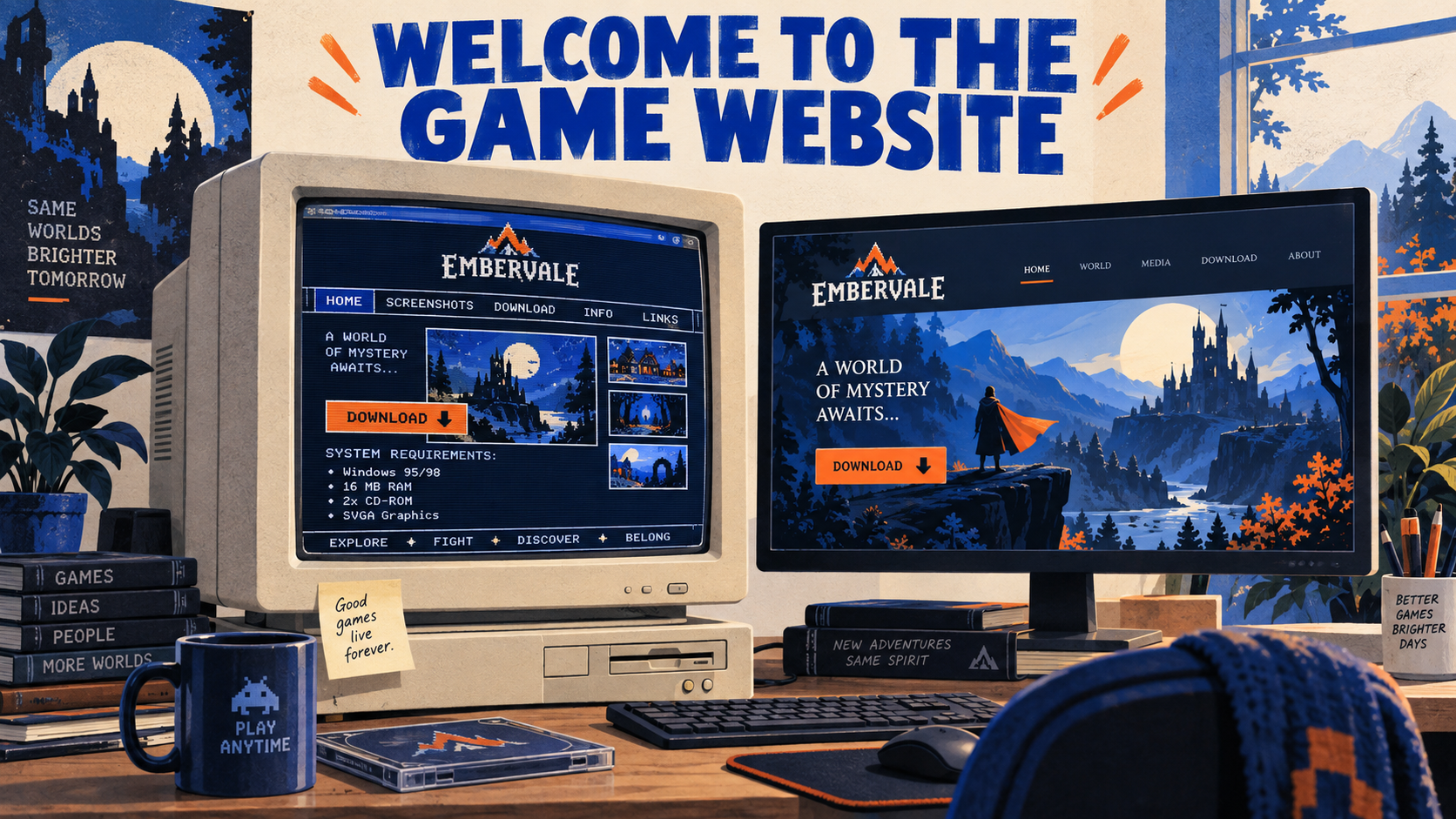
Gridlok inspected the rendered product overview and anniversary page on September 22, 2026, checking browser titles, meta descriptions, H1–H3 elements, and relevant image labels. Historical content is attributed to the specific preserved pages and dated entries. The hero is an illustration of a fictional game website.
Planning a redesign of your game’s website?
Send Jim the current site and the next release milestone. We can review the page structure, SEO basics, and how your team will keep it current.
Talk to Jim about your game websiteFrequently asked questions
The preserved version includes later material. Individual dated news entries provide firmer evidence for specific announcements in 1998.
Inspect the markup and alternative text. An image inside a heading can provide a meaningful accessible name; the visual logo alone does not establish whether that name exists.
No. A clear main heading helps identify the page, but heading count alone does not prove a penalty or explain ranking performance.
Yes. Keep readable text, meaningful headings, current platform information, and working navigation underneath the visual style.
Keep reading
References
See what ChatGPT is really searching
SubSeed captures the hidden Google queries ChatGPT runs behind every answer and enriches them with search volume, CPC, and keyword difficulty.
Related Posts
Read this post with an assistant
This is the whole prompt each button sends. Nothing hidden in it.
Read https://gridlok.co/blog/1990s-game-websites/ and give me the main points in a few sentences.
Make Gridlok a Preferred Source on Google
See Gridlok surfaced more often in your Top Stories, AI Overviews, and AI Mode. One click, applied across Google Search.