Game Studio Web Development: Media Budgets, CMS Fields, and Handoff Tests
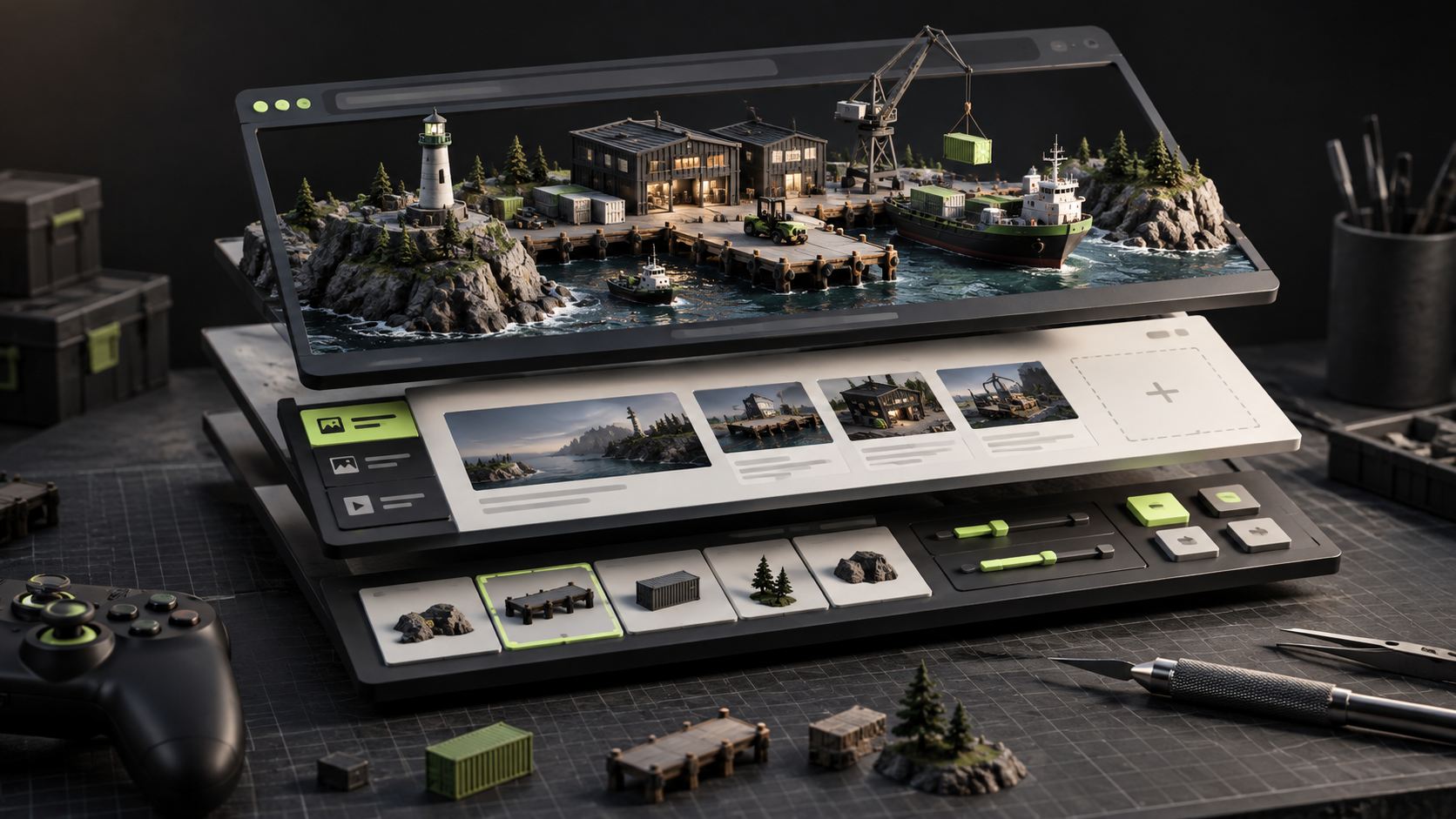
Game studio web development should make the site easy to update and keep heavy game media from blocking basic information. Build the publishing workflow and the media-loading plan into the brief before choosing visual effects.
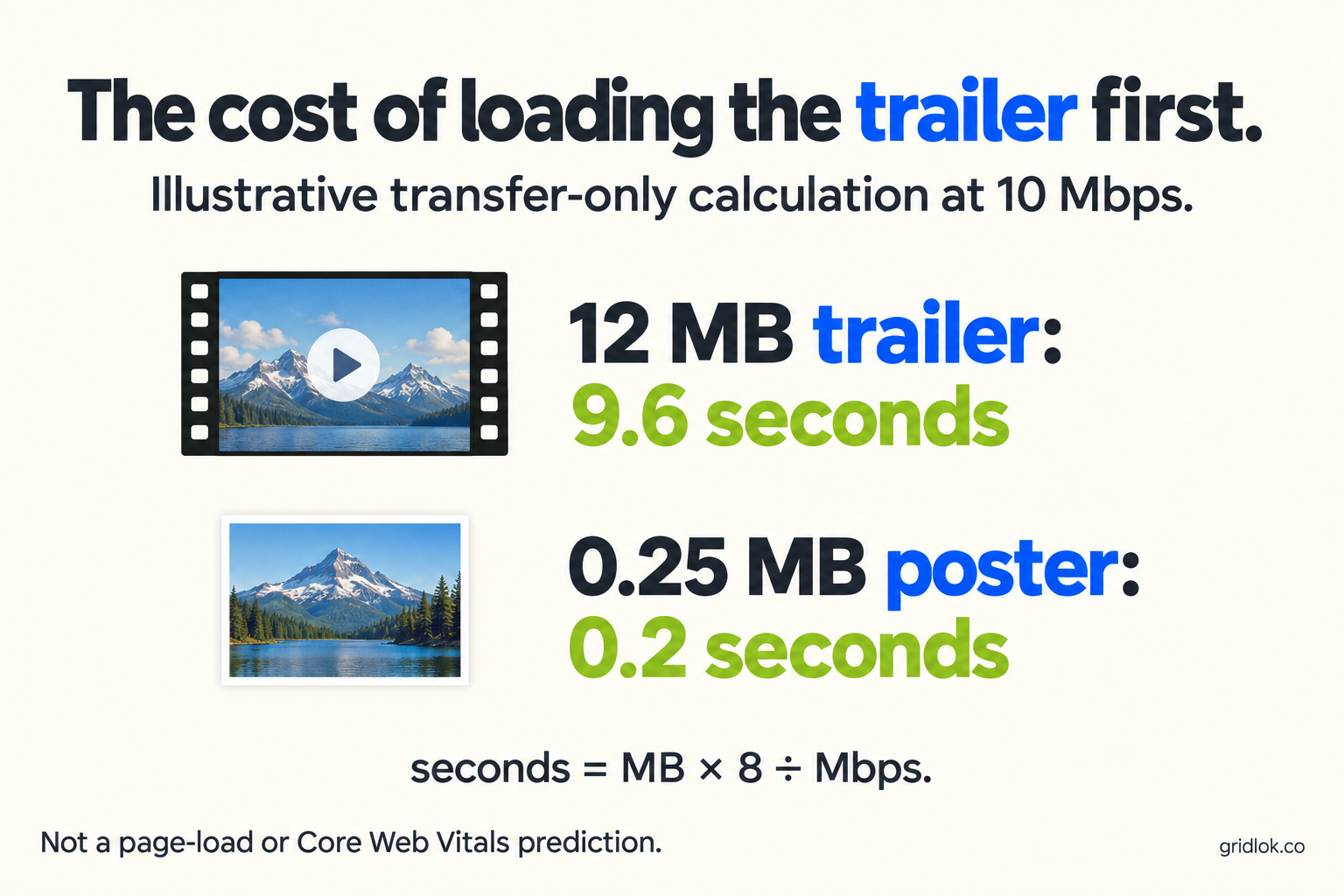
A trailer can be the right way to sell the game and still be the wrong file to load first. The calculator below lets you compare its transfer cost with a poster image using your own file sizes.
Key takeaways
- A 12 MB file takes 9.6 seconds to transfer at a constant 10 Mbps in the simplified calculation below. That is an example, not a measured page load.
- Google’s good Core Web Vitals thresholds are LCP at most 2.5 seconds, INP at most 200 milliseconds, and CLS at most 0.1. Source.
- Measure those targets at the 75th percentile, with mobile and desktop assessed separately. Measurement guidance.
- Test the handoff by changing real game facts, media, and store links with the studio’s editor account.
How much media should game studio web development load first?
Load enough to explain the game and offer the next action. Give the trailer a visible play control, then decide which media can wait until the visitor asks for it.
Trailer transfer-budget calculator
Compare a trailer with a poster image. Defaults are an illustrative scenario; replace them with your compressed file sizes and a test connection speed.
At the example settings: 9.6 seconds for the trailer and 0.2 seconds for the poster. These are transfer-only estimates.
Link to this tool · Runs in this page. Inputs are not submitted or saved by this tool.
Illustrative transfer time at 10 Mbps
Linear scale. Calculated as decimal MB × 8 ÷ Mbps. This is not a loading-speed measurement or a Core Web Vitals result.
A poster-first implementation still needs testing. Browsers can preload video metadata, embeds can load third-party code, and autoplay changes the loading behavior.
Google’s video-loading guidance explains the poster and preload controls. Ask the developer to show which network requests happen before the visitor presses play, then repeat the check on the final page.
What performance targets belong in the brief?
Use measurable acceptance criteria for loading, interaction, and layout stability. A single desktop screenshot cannot show whether the page responds well on a player’s phone.
| Metric | Good threshold | Game-site check |
|---|---|---|
| Largest Contentful Paint (LCP) | ≤ 2.5 seconds | Does the main content appear without waiting for a large trailer? |
| Interaction to Next Paint (INP) | ≤ 200 milliseconds | Do menus, platform selectors, and media controls respond? |
| Cumulative Layout Shift (CLS) | ≤ 0.1 | Do images or embeds move the store button after it appears? |
| Element | Starting implementation | Acceptance evidence |
|---|---|---|
| Main trailer | Poster and an explicit play action | Network requests before and after play |
| Screenshots below the opening view | Appropriately sized images with reserved dimensions | No horizontal overflow or late layout jumps |
| Background motion | A static fallback and reduced-motion behavior | The page remains understandable without motion |
| Store buttons | Ordinary links with visible platform labels | Keyboard access and correct destinations |
What should the studio be able to change without a developer?
Model the facts that change during the game’s life. A single rich-text field makes it too easy for a launch date or platform claim to drift between pages.
| Field group | Store as | Why it needs an owner |
|---|---|---|
| Release state | Status, date, timezone when relevant | Announcements can change before artwork does |
| Platforms and editions | Separate entries with destination URLs | A platform release may have a different store route |
| Multiplayer | Local, online, player counts, and restrictions | “Co-op” alone leaves important buying questions unanswered |
| Demo | Availability, differences, and progress rules | A demo may not match the full game |
| Media | Poster, trailer, screenshots, alt text | The team needs to replace assets without breaking layout |
| Evidence | Fact owner and last verification date | Support and AI-answer checks need a current reference |
The exact fields depend on the game. The useful test is whether the editor can change a fact once and know which pages use it.
Connect this model to the query-to-page map and the AI fact-checking protocol. The same platform record should support the product page, support answer, and press factsheet.
Does a trailer swap or release-date change still need a developer? Talk to Jim about making those updates easier for your team.
Which SEO fields must the templates support?
Require an editable slug, page title, meta description, and game-name H1. Set section headings as H2s in the template, and provide screenshot alt-text fields and crawlable internal links. Check the rendered output after an editor saves changes.
A visual page builder can make an ordinary section look like a headline while outputting an H1. Use the game website SEO basics guide during acceptance testing, and compare editing controls in the ranked CMS comparison for game developers.
How do you test a website handoff?
Run a publishing rehearsal with the producer or marketer who will own the site. Record the result of each task so approval means more than “the design looks right.”
| Task | Pass condition | Evidence to retain |
|---|---|---|
| Change a release date | The public preview shows the new value in the right places | Before and after URLs |
| Add a store destination | The correct platform button appears and works by keyboard | Destination URL and keyboard check |
| Replace a trailer | The poster and playback both work on mobile | Request log and playback check |
| Restore an earlier version | An editor can recover an accidental content change | Revision or backup recovery record |
Keep domain, hosting, CMS, and analytics access with the studio. List recurring costs and the person responsible for updates in the handoff record.
The game studio website planning guide puts these tests alongside launch responsibilities.
How the calculator works
Transfer time equals decimal megabytes multiplied by eight, divided by megabits per second. The default 12 MB, 0.25 MB, and 10 Mbps values are chosen examples, not measured averages for gaming websites.
The model assumes a constant connection and a complete file transfer. It excludes latency, caching, compression changes, parallel requests, CPU work, and adaptive streaming, so it cannot predict page-load time or LCP.
Need help fixing slow game pages or making launch updates easier?
Tell Jim which pages load slowly or which updates your team cannot make. We can discuss the changes your site needs before your next release.
Talk to Jim about your game websitePreparing for a release? Use the game website launch checklist to assign the work before launch, check platform links on release day, and keep support pages current afterward.
Frequently asked questions
Sources
See what ChatGPT is really searching
SubSeed captures the hidden Google queries ChatGPT runs behind every answer and enriches them with search volume, CPC, and keyword difficulty.
Related Posts


Read this post with an assistant
This is the whole prompt each button sends. Nothing hidden in it.
Read https://gridlok.co/blog/game-studio-web-development/ and give me the main points in a few sentences.
Make Gridlok a Preferred Source on Google
See Gridlok surfaced more often in your Top Stories, AI Overviews, and AI Mode. One click, applied across Google Search.