Game Website Launch Checklist: Before, Release Day, and After
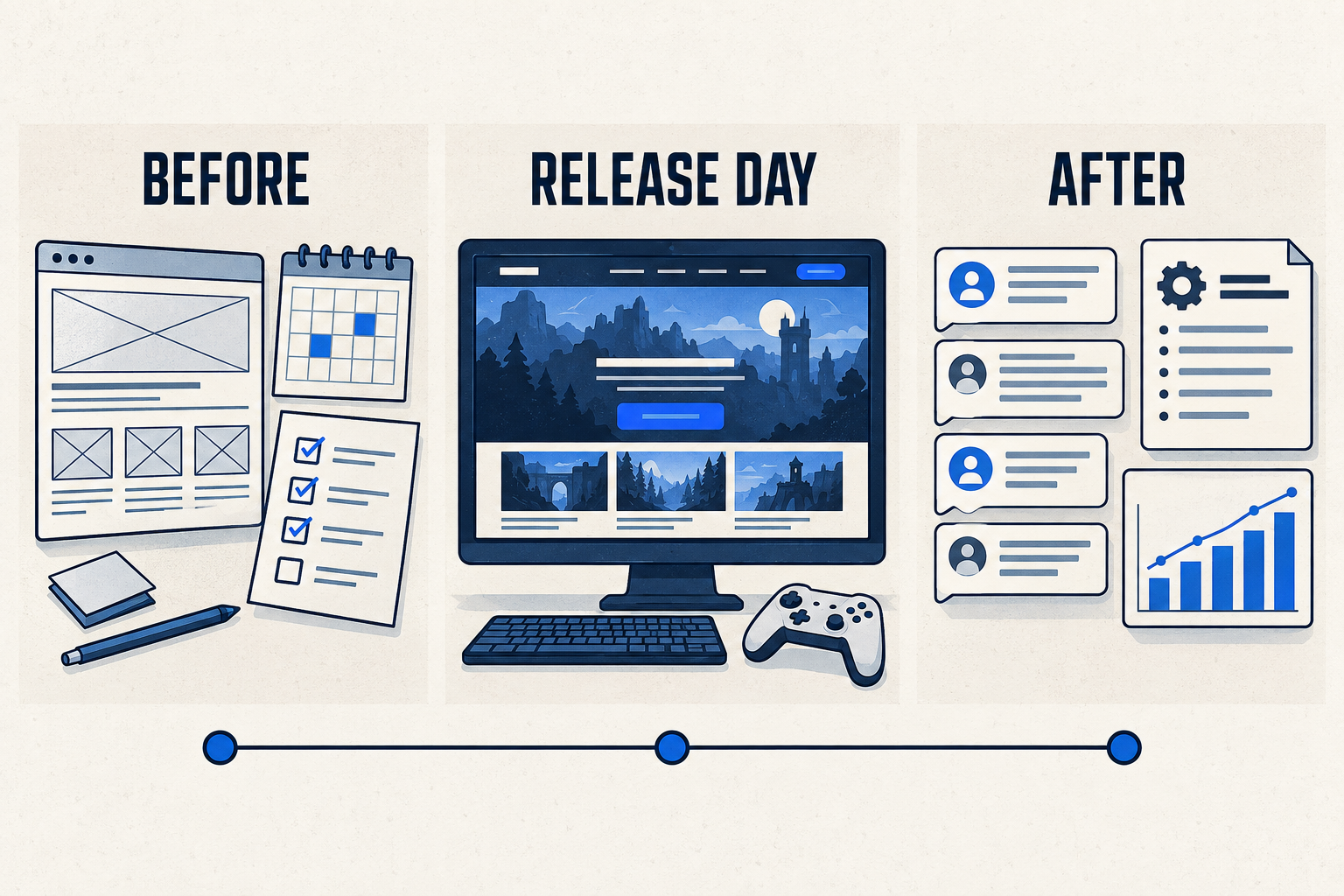
Prepare your game website for release by checking the full route from an announcement to the right store page. This game website launch checklist covers what to finish before launch, what to change on release day, and what to maintain once players start asking for help.
For PC and console studios, platform availability needs special attention. Your Steam release, console launch, physical edition, and demo may each have a different date. Give each one accurate copy and a working destination.
Key takeaways
- Before release, approve game facts, test store links, and rehearse the website update with the person who will publish it.
- On release day, confirm each store is live before changing that platform’s button to buy.
- After release, keep support answers, known issues, patch notes, and platform availability current.
- Keep the game page at a stable URL and measure website clicks separately from store-reported purchases and wishlists.
What should your game website have ready before release?
Publish the game’s main page early enough for your team to test it and use it in announcements. Put the game name, genre, confirmed platforms, release information, trailer, and store links where visitors can find them quickly.
Give players direct answers about single-player and multiplayer modes, controller support, languages, accessibility features, and PC requirements where those details are confirmed. Separate local co-op, online co-op, cross-play, and cross-save. Players use those terms to make different decisions.
Approve one record of the release facts
Keep an approved platform list, release schedule, edition names, and store URLs in your CMS or release document. Assign someone to update the website when a date or feature changes. Use that record to check the press page, FAQ, newsletter copy, and launch announcement.
Steam requires a Coming Soon page to be public for at least two weeks before release. Schedule the store setup alongside the website work and check Valve’s Coming Soon requirements before setting your announcement calendar.
Prepare the press and support routes
Build a public press page with an approved description, screenshots, trailer, credits, and a monitored contact. Label assets clearly so a journalist can tell which game and version they belong to.
Open the support route before players need it. Test a support submission through to the person who answers it. A form success message only confirms one part of that route.
Rehearse publishing and recovery
Ask the launch-day editor to change a release message, replace a trailer, and update a platform link on staging. Check the result on a phone and with keyboard navigation. Record how to restore the previous page if an update breaks it.
Test the site with the hosting provider against your expected announcement traffic. Compress images, reserve space for media, and use a poster image that loads before the trailer plays. Check that store links remain usable while media loads.
The game studio web development guide covers media budgets and handoff tests. If publishing still depends on a developer for every edit, review the CMS comparison for game studios well before the release window.
Which SEO checks belong in a game website launch checklist?
Give the game a stable, descriptive URL, a page title that names it, and one clear H1 identifying the game. Write a meta description with accurate platforms and availability. Use H2s for sections such as gameplay, system requirements, and support.
| Field | Before release | After PC release |
|---|---|---|
| URL | /games/orbit-harbor/ | Keep /games/orbit-harbor/ |
| Page title | Orbit Harbor | Co-op Exploration Game for PC and PS5 | Orbit Harbor | Available on PC, Coming to PS5 |
| H1 | Orbit Harbor | Orbit Harbor |
| Availability | PC: November 12. PS5: date to be announced. | PC: available now. PS5: date to be announced. |
| Primary platform buttons | Wishlist on Steam. PS5 release updates. | Buy on Steam. PS5 release updates. |
Check image alt text, internal links, canonical URLs, and the sitemap. Confirm that public launch pages are crawlable and have no staging noindex directive. Keep staging protected. Google’s SEO Starter Guide explains titles, descriptions, links, and image context.
Keep campaign links pointed at the game’s main URL as it moves from announcement to release. If an existing URL must change, map it to the relevant replacement with a permanent redirect and update internal links. Follow Google’s URL migration guidance for a larger move.
Use the game website SEO basics checklist for field-by-field checks. For AEO, write confirmed game facts as readable text and keep them consistent across the game page and FAQ. The game studio AEO guide covers checking answers and citations.
Is your release date set but the website still unfinished? Ask Jim to review your game page, store links, and launch-day updates.
What should change on the website on release day?
Confirm availability in each store, then update that platform’s message and button. Assign one person to approve the change and another to check the public page while signed out.
Valve’s release process includes publishing the product through Steamworks. Treat the store release and the website update as separate tasks in the schedule.
| Platform state | Website message | Button destination |
|---|---|---|
| Released and available in the visitor’s market | Available now on the named platform | Buy button to the correct game and edition |
| Release scheduled for later | Confirmed date and time zone, where announced | Wishlist or preorder page when available |
| Port announced without a date | Coming to the named platform; date to be announced | Release updates page or signup |
| Demo remains available | Play the demo, with platform and access details | Current demo listing |
| Store link temporarily unavailable | Brief availability notice with a checked update time | Working status or support page |
Check the homepage, game page, press page, navigation, translated pages, and any announcement banner for old release copy. Refresh the affected cache and check the public result. Update the social sharing title and image so new shares carry the launch message.
Keep a dated change log with the editor’s name and the pages changed. If a console launch is delayed, update that platform’s row and announcement copy immediately. Leave the PC purchase route working.
What should your website do after the game launches?
Give existing players a clear route to known issues, fixes, and support while keeping store links easy to find for new buyers. Review incoming questions during the first few days and turn repeated questions into short, searchable answers.
First 24 to 72 hours
Monitor page errors, form delivery, broken store links, and player reports about incorrect information. Date each known-issue update and name the affected platform or version. Publish an update time only when someone is responsible for meeting it.
First week
Publish patch notes with the game version, platform, and release date. Link relevant fixes from the support page. Check whether the demo is still available and whether progress carries into the full release before leaving those claims on the page.
First month and later platform launches
Review search queries, landing pages, store-button clicks, and support questions. Use the findings to choose the next page update. Repeat the platform checks when a console port, physical edition, or major update launches.
Tag campaign links consistently and compare reporting periods using the same definitions. Steam UTM Analytics provides store-side campaign reporting. Keep website click counts and store-reported conversions in separate columns. The game SEO guide includes a Steam reporting calculator.
Who owns each website launch check?
Use this checklist at the release meeting. Replace the suggested roles with names and record the page URL or test result beside each completed task. The timing below is a planning template you can adapt to your release.
| When | Check | Suggested owner | Pass condition |
|---|---|---|---|
| Before: 2–4 weeks | Approve platform and release facts | Producer | Website and approved store details agree |
| Before: 2–4 weeks | Publish press and support routes | PR / support lead | Assets open and a test inquiry reaches its owner |
| Before: 1 week | Check SEO fields and crawl access | Web editor | Title, H1, description, canonical, and sitemap reviewed |
| Before: 1 week | Test media, hosting, and recovery | Web developer | Phone check, traffic test, and restore rehearsal recorded |
| Before: 1 day | Rehearse the content switch | Launch editor | Approved copy and per-platform links ready |
| Release day | Confirm each store is live | Release manager | Correct game and edition available in checked markets |
| Release day | Publish and check public pages | Web editor | Buttons, availability, sharing data, and cached copy agree |
| Release day | Check support and monitoring | Support / web lead | Forms deliver and site alerts reach an on-duty person |
| After: first 72 hours | Correct errors and repeated questions | Support lead | Affected pages show current answers |
| After: first week | Publish patch and demo updates | Community manager | Version, platform, and demo details verified |
| After: first month | Review search and store routes | Marketing lead | Next changes assigned from recorded findings |
Link to this release checklist or link to the platform button table. For the wider site plan, use the game studio website guide.
Need your website ready for release day?
Send Jim your game’s website, release date, and planned platforms. We can review what needs to be ready before launch and help with the pages, store links, and publishing setup.
Talk to Jim about your game launchFrequently asked questions
See what ChatGPT is really searching
SubSeed captures the hidden Google queries ChatGPT runs behind every answer and enriches them with search volume, CPC, and keyword difficulty.
Related Posts

Read this post with an assistant
This is the whole prompt each button sends. Nothing hidden in it.
Read https://gridlok.co/blog/game-website-launch-checklist/ and give me the main points in a few sentences.
Make Gridlok a Preferred Source on Google
See Gridlok surfaced more often in your Top Stories, AI Overviews, and AI Mode. One click, applied across Google Search.